
How do I log out of my customer account?Updated a month ago
How do I log out of my Cimalp account?
If you wish to end your session, please follow these steps:
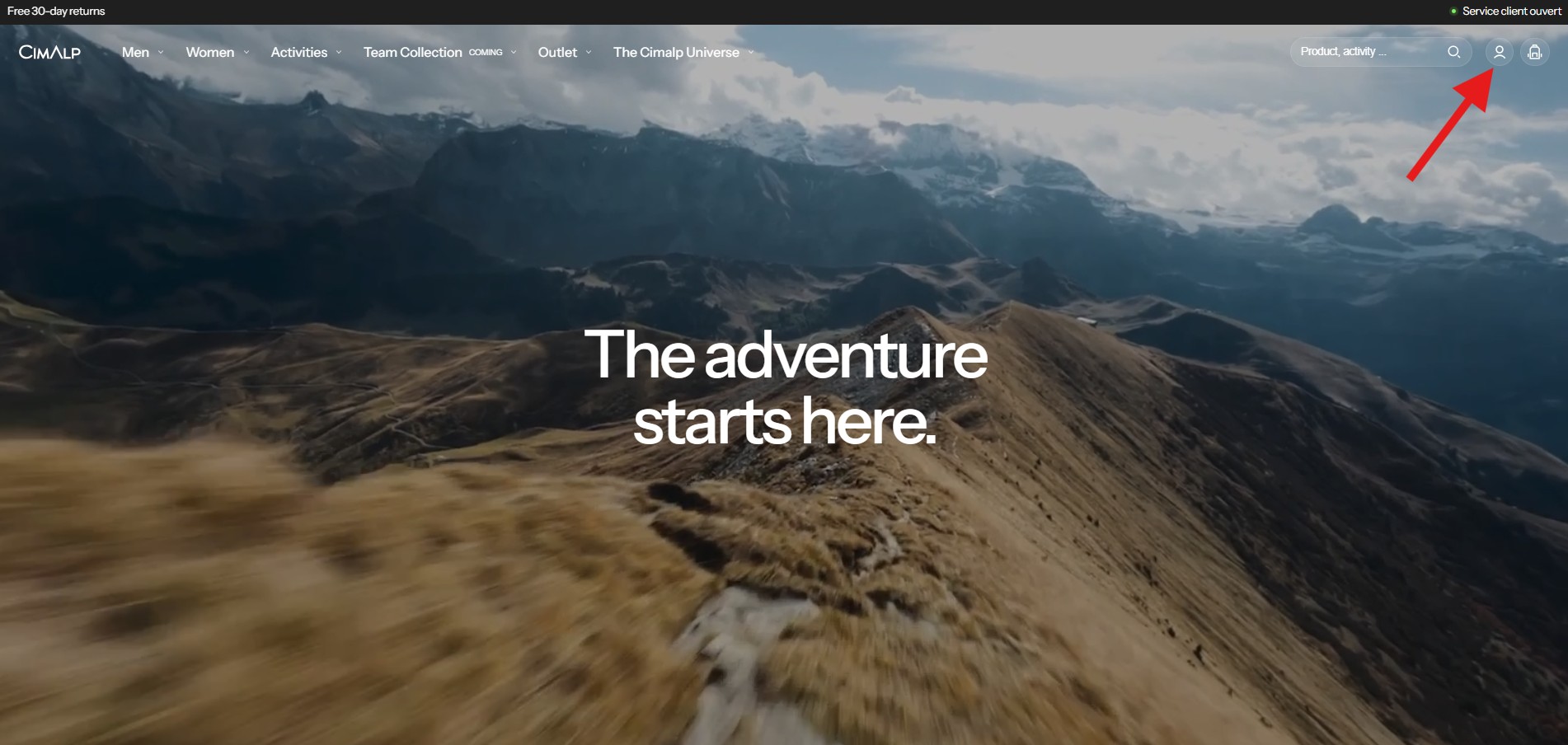
Click on the "Account" icon in the top right corner to access your personal dashboard.
Once in your account interface, click on the "Profile" tab.
You will find the "Sign out" button there.
After clicking, your session will be closed immediately, and your information will no longer be accessible without a new unique code.