
How do I log in to my customer account?Updated a month ago
How do I log in to my account?
At Cimalp, we’ve prioritized simplicity and security. No more passwords to remember! To log in, you have two options:
Via Unique Code:
- Click on the "Account" icon in the top right corner of the website.
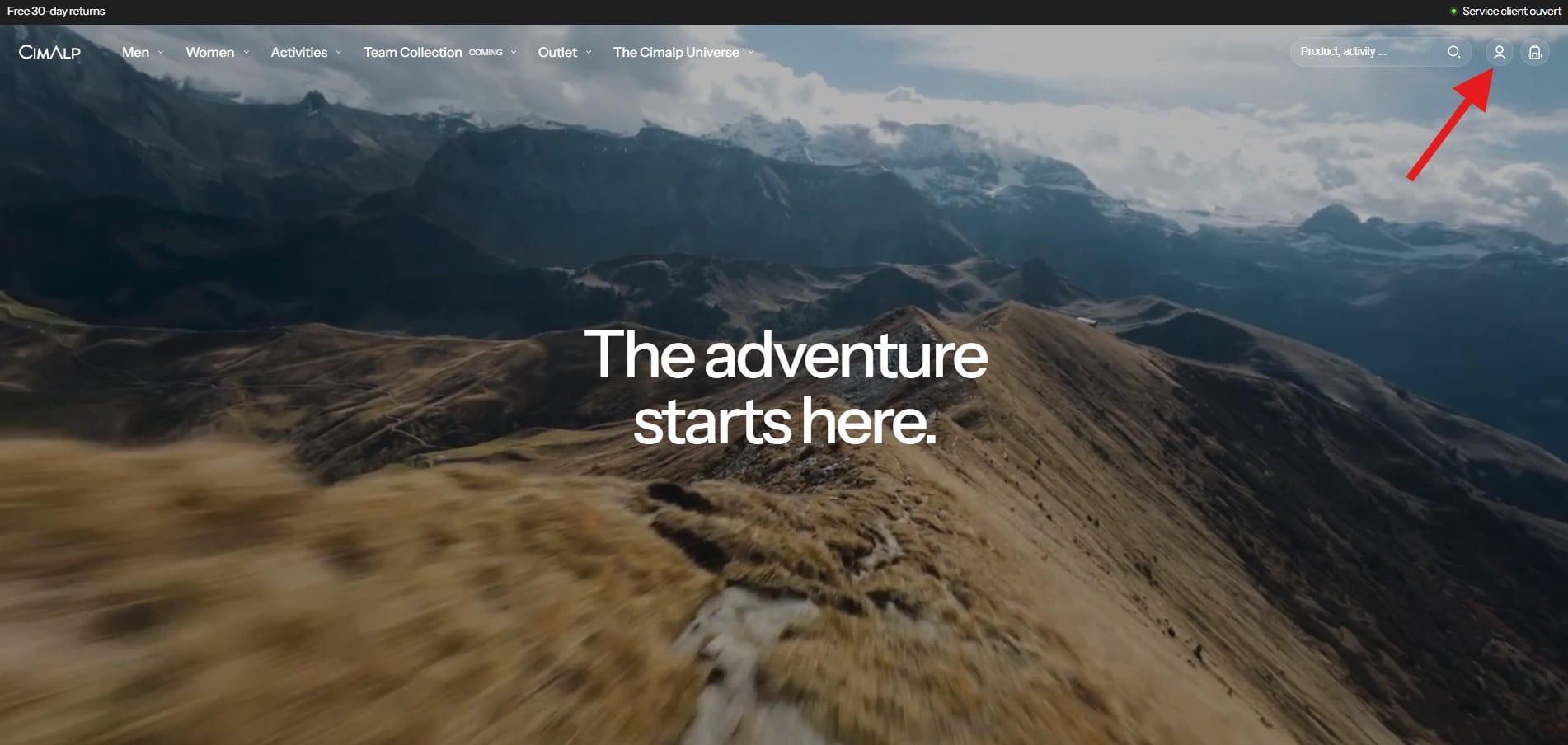
- Enter your email address.
- You will instantly receive a 6-digit verification code in your inbox.
- Copy and paste it onto our site to access your account.
- Via the Shop App: If you use the Shop app (by Shopify), you can log in with a single click. Your tracking information and addresses are already centralized for an ultra-fast experience.
I haven't received my login code, what should I do?
The code usually arrives in less than a minute. If you don't see anything:
- Check your Spam folder or "Promotions" tab.
- Make sure the email address entered is exactly the one used for your order.
- If the problem persists, wait a few minutes before requesting a new code to avoid blocking the system.
Why can't I use my old password anymore?
To enhance the protection of your personal data, we have migrated to an email-authenticated login system. It is more secure: only you have access to your inbox, and it eliminates risks associated with simple or compromised passwords.